> For the complete documentation index, see [llms.txt](https://docs.shyft.to/llms.txt). Markdown versions of documentation pages are available by appending `.md` to page URLs; this page is available as [Markdown](https://docs.shyft.to/solana-indexers/case-studies/tensor.md).
# Tensor
Easiest and the fastest way to query Tensor data.
Going through our getting started section will help you understand few basics first.
{% content-ref url="/pages/u1PUzJS4QLAL6nLyVpe3" %}
[Getting Started](/solana-indexers/graphql-apis/getting-started.md)
{% endcontent-ref %}
TLDR: In order to start querying protocols, follow these steps:
* Get an [API key](https://shyft.to/get-api-key) if you don't have one.
* Head to any GraphQL client of your choice, for example [Hasura](https://cloud.hasura.io/public/graphiql).
* Enter the GraphQL endpoint for your preferred network
* Mainnet:
* Devnet:
* Start filtering, sorting and querying data.
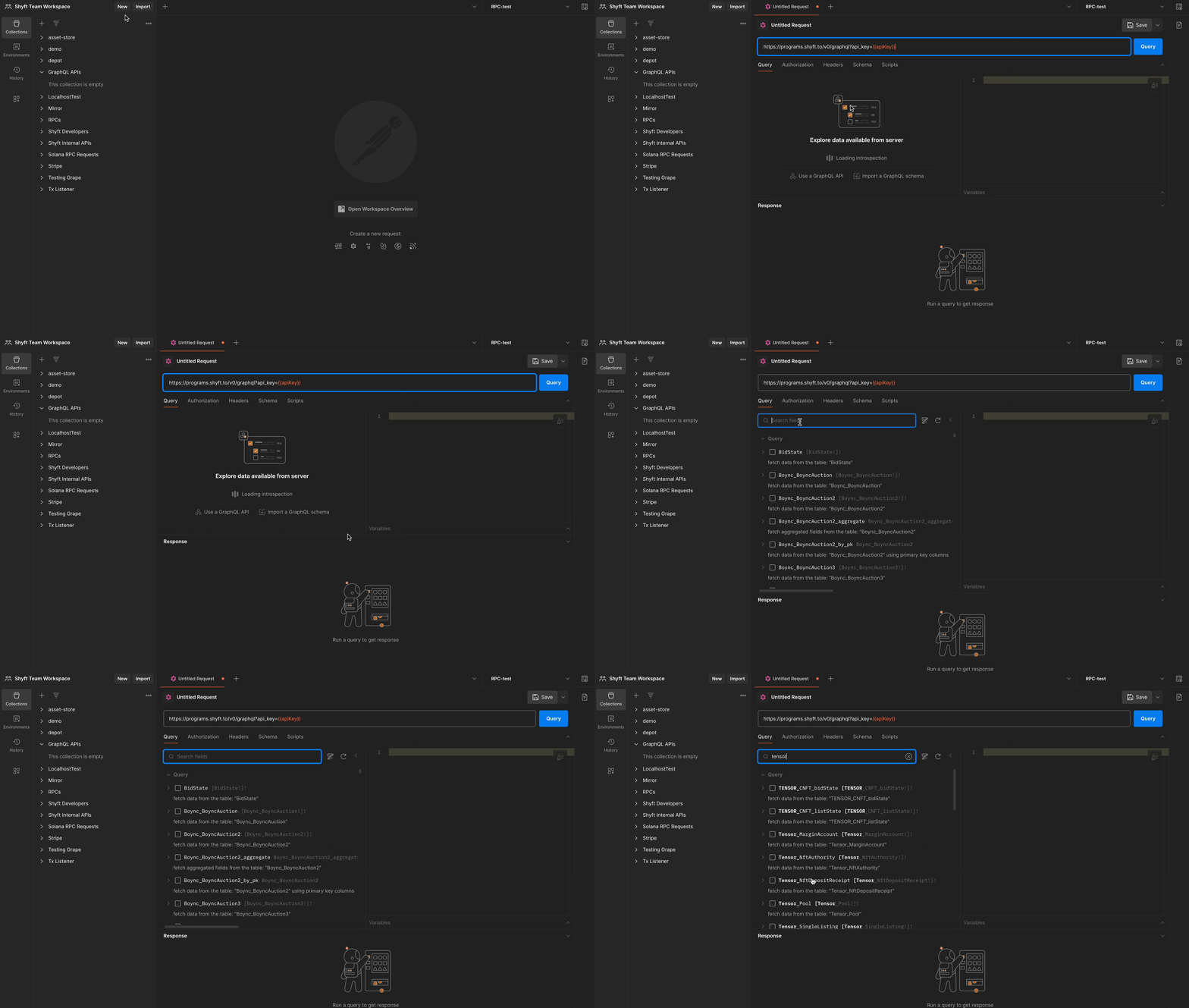
#### Exploring Tensor Accounts in Postman